Your digital garage
Connect a compatible vehicle and keep its details close at hand.
 GHANA Find a dealer GH / EN
CFMOTO RIDE · THE GHANA GUIDE
One app. A closer connection to your CFMOTO. Explore the possibilities with a guide built for riders in Ghana.
Check your vehicle’s compatibility and service availability with your Ghana dealer.
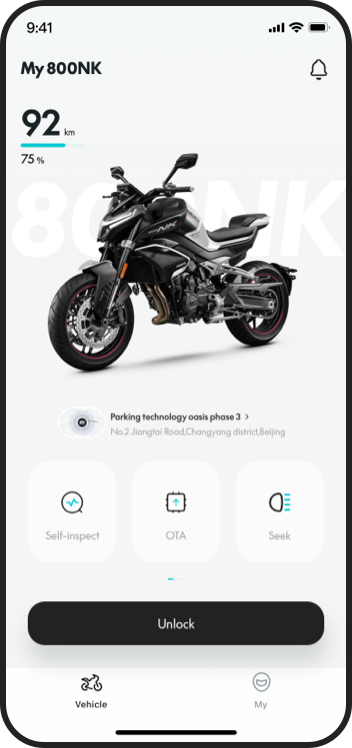
MORE FROM YOUR VEHICLE
Discover what CFMOTO RIDE can offer on a compatible vehicle.
Connect a compatible vehicle and keep its details close at hand.
View supported vehicle-status information and diagnostic summaries.
Revisit recorded journeys and riding statistics on supported vehicles.
Explore navigation and dashboard connectivity where supported. MotoPlay availability varies.
Location, movement alerts and geofence functions are offered through compatible connected services.
Selected models support features such as digital keys and software updates.
T-Box is standard on every compatible motorcycle. Connected app services may require activation or a subscription. Our team can help you set up CFMOTO RIDE.
READY FOR YOUR OWN BIKE?
Choose your phone below to open the official CFMOTO RIDE listing. Already on your phone? Tap a store button. Using another screen? Scan the download QR code with your phone’s camera.

Store and feature availability depend on your country and device.
Check the app name is CFMOTO RIDE. The App Store seller is ZHEJIANG CFMOTO POWER CO., LTD; Google Play shows CFMOTO. Install it and create or sign in to your account.
In the official app, follow your model’s instructions to scan its own code or enter its VIN. The download QR on this website installs the app; it cannot pair your vehicle.
Ask Robust Engineering or i2 Motors to help check compatibility, activation and the features offered for your bike.
TRY IT HERE
A guided preview of connecting with your bike. Try the sample 800MT-X below.
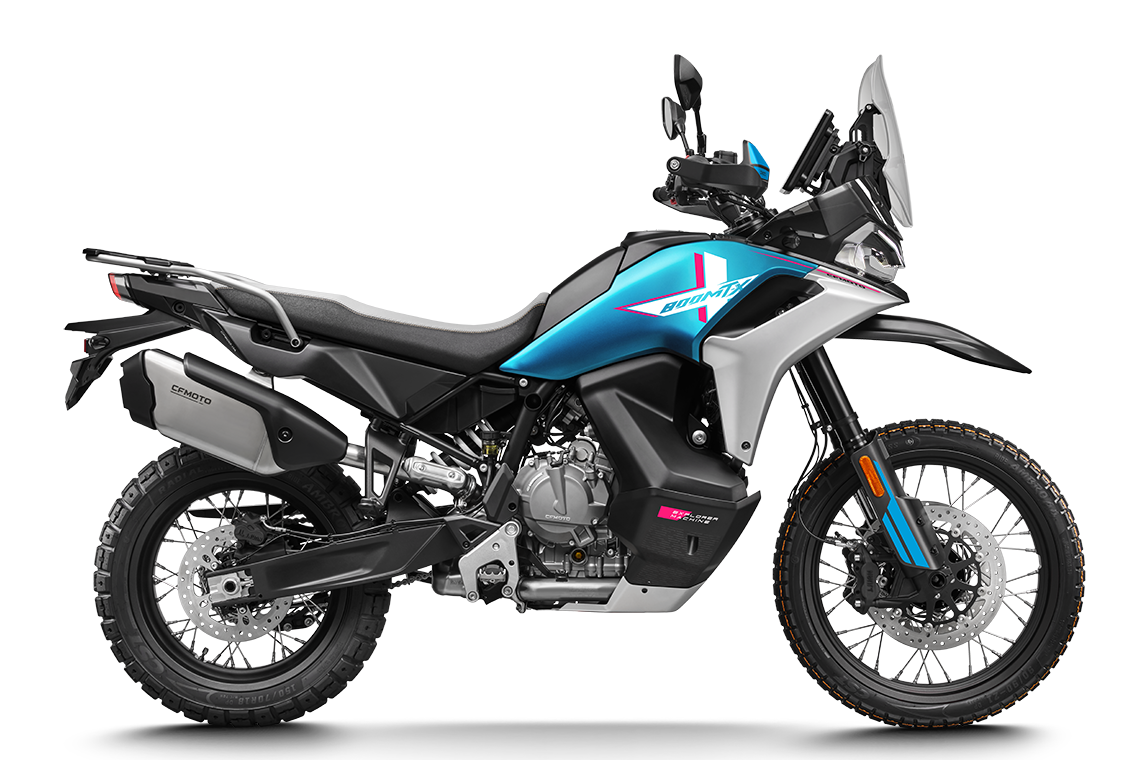
This is a website simulation. It does not use your camera, pair a vehicle or read real bike data.
VEHICLE PAIRING · DEMO ONLY
Preview the steps for adding a compatible vehicle. To install the real app, use the download links or QR code above.
This demonstration uses a sample motorcycle and example readings. Set up your own vehicle in CFMOTO RIDE.